Free construction calculators that show their work
Estimate concrete, masonry, rebar and more, with the formula, assumptions and listed sources shown. Measure in feet and inches, no sign-up.
No calculator matches that yet. Try another term.
- Formula shown
- Assumptions shown
- Sources listed
- No sign-up
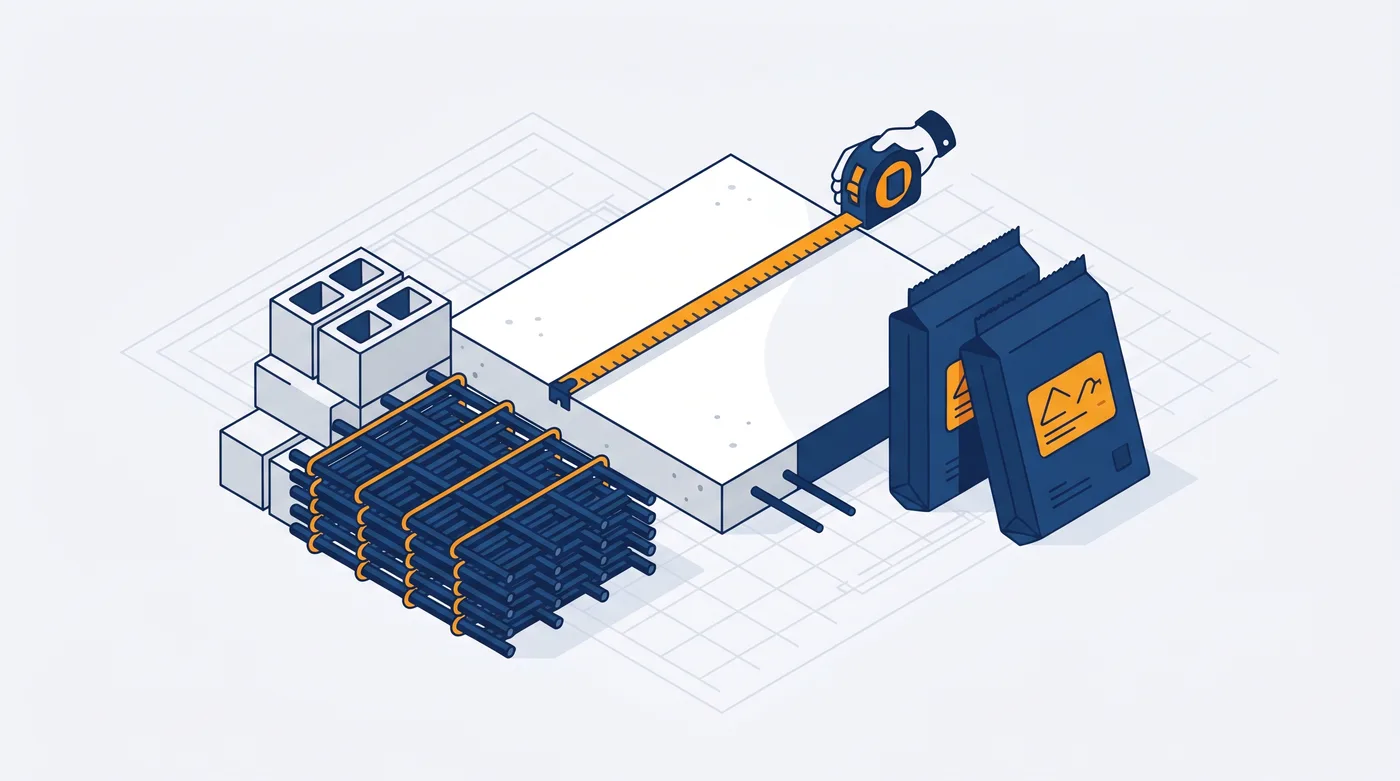
Popular construction calculators
Every calculator
Concrete & Masonry hub →Pick a calculator by what you are building: concrete pours, masonry walls, or the materials and reinforcement that go with them.
Latest concrete guides
Fresh, practical guides that explain the math and the money, each linked to the calculator that does it for you.
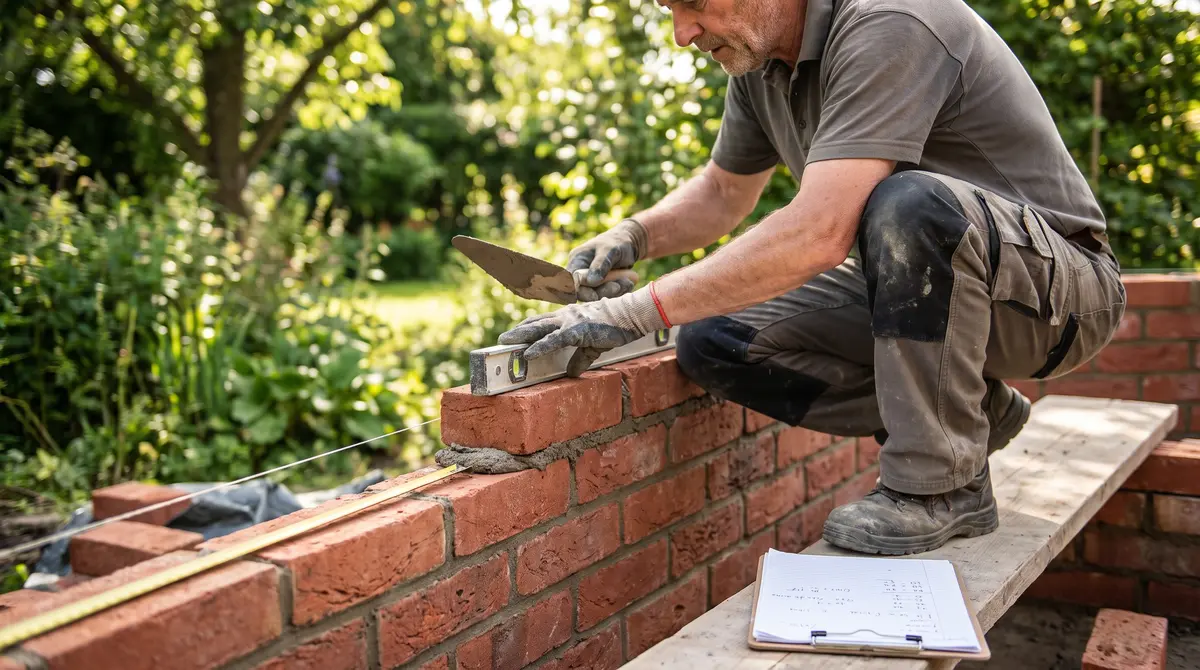 Brick Wall Cost Per Square Foot WorksheetEstimate a brick wall by identifying the wall system first, then measuring face area and applying quotes…Read the guide →
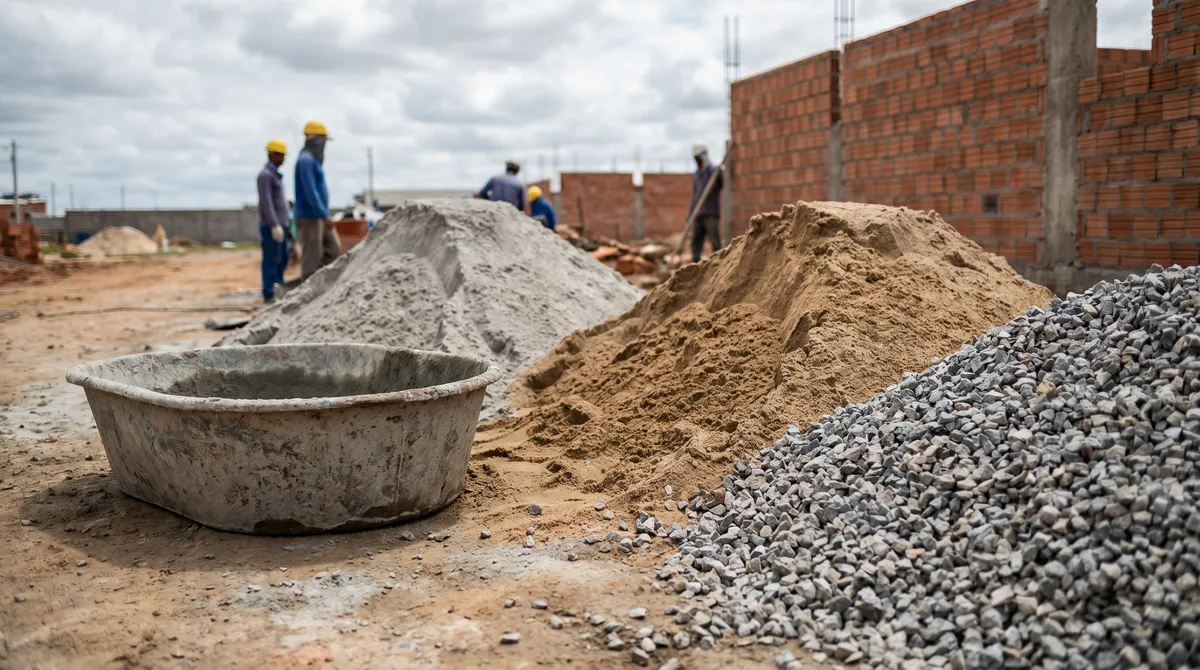 Concrete Mix Ratio: Cement, Sand and AggregateA concrete mix ratio states the relative parts of cement, sand and coarse aggregate.Read the guide →
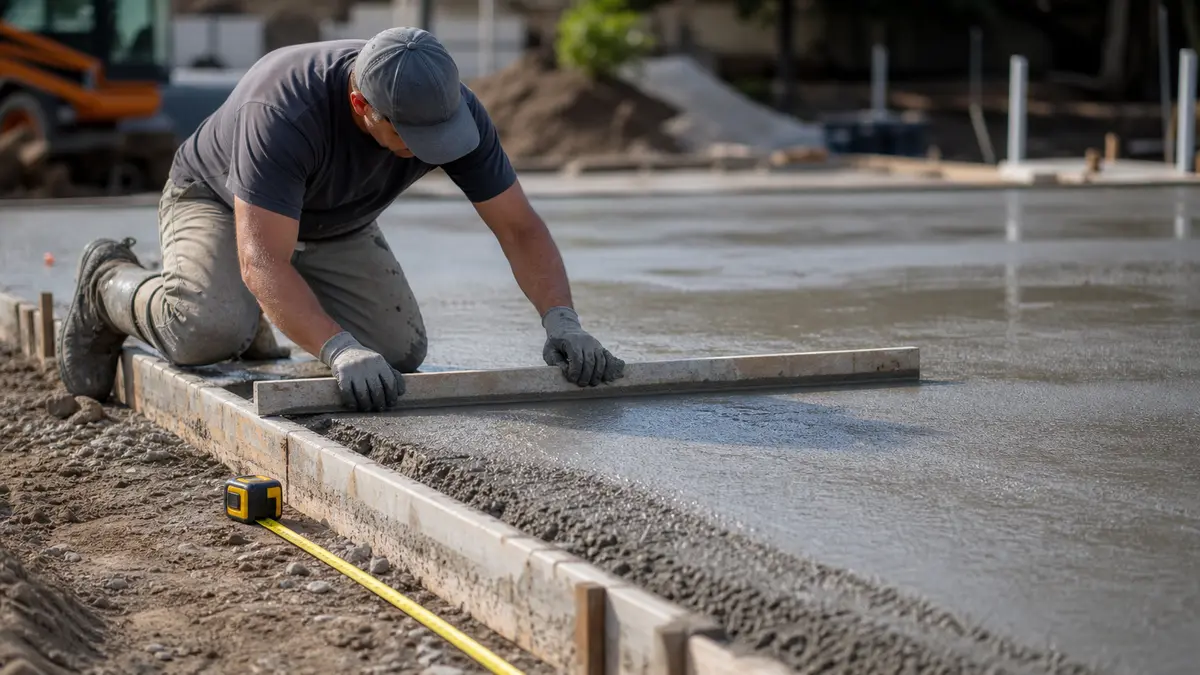 Concrete Slab Cost Per Square Foot WorksheetA slab budget starts with approved length, width and thickness, then adds base preparation, reinforcement…Read the guide →
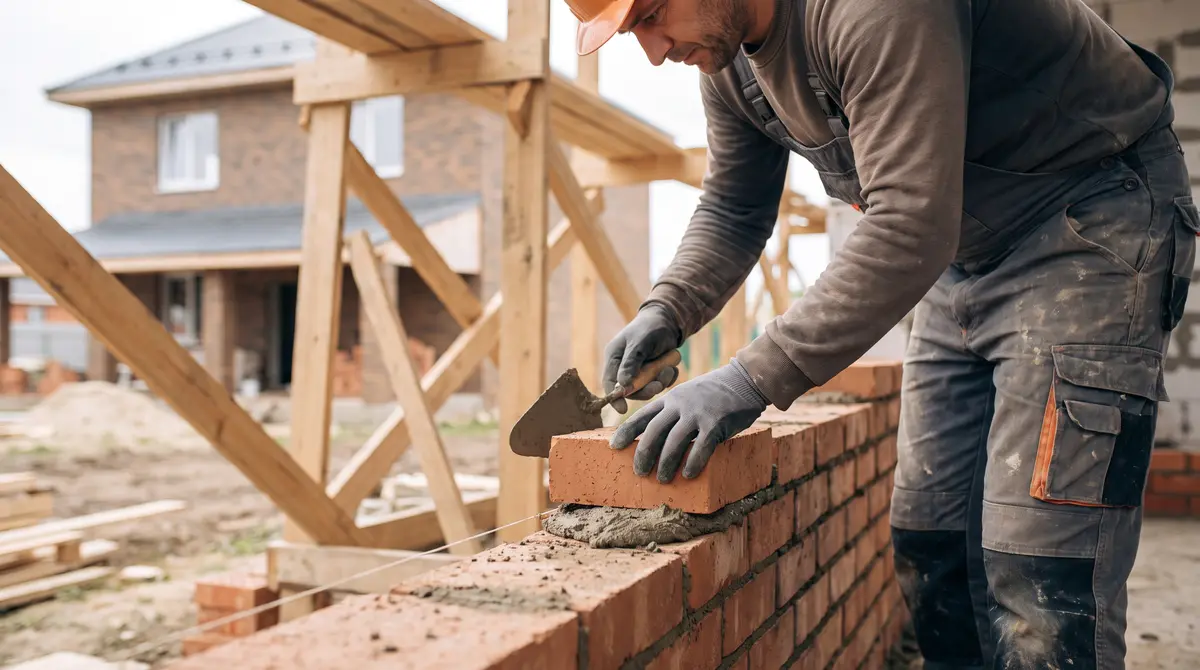 Brick Wall Cost WorksheetBuild a brick-wall worksheet from the chosen wall system, face area, brick count and product yield, then…Read the guide →
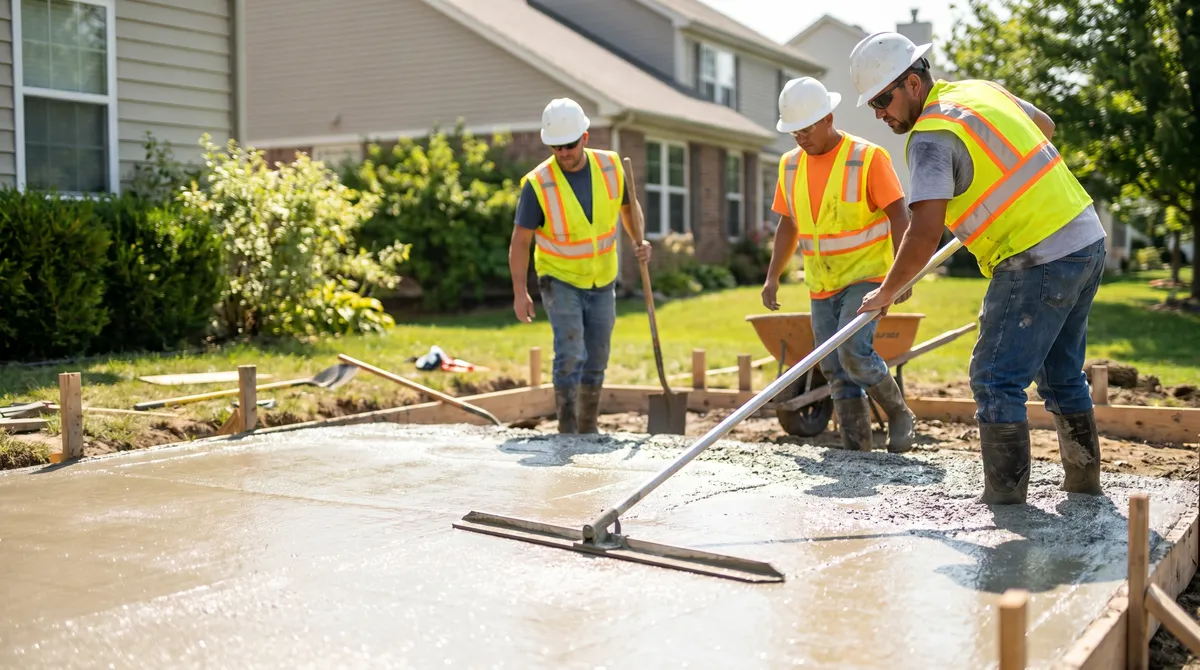 Concrete Slab Pour Cost WorksheetEstimate a slab pour from approved area and thickness, then separate concrete supply, base, reinforcement…Read the guide →
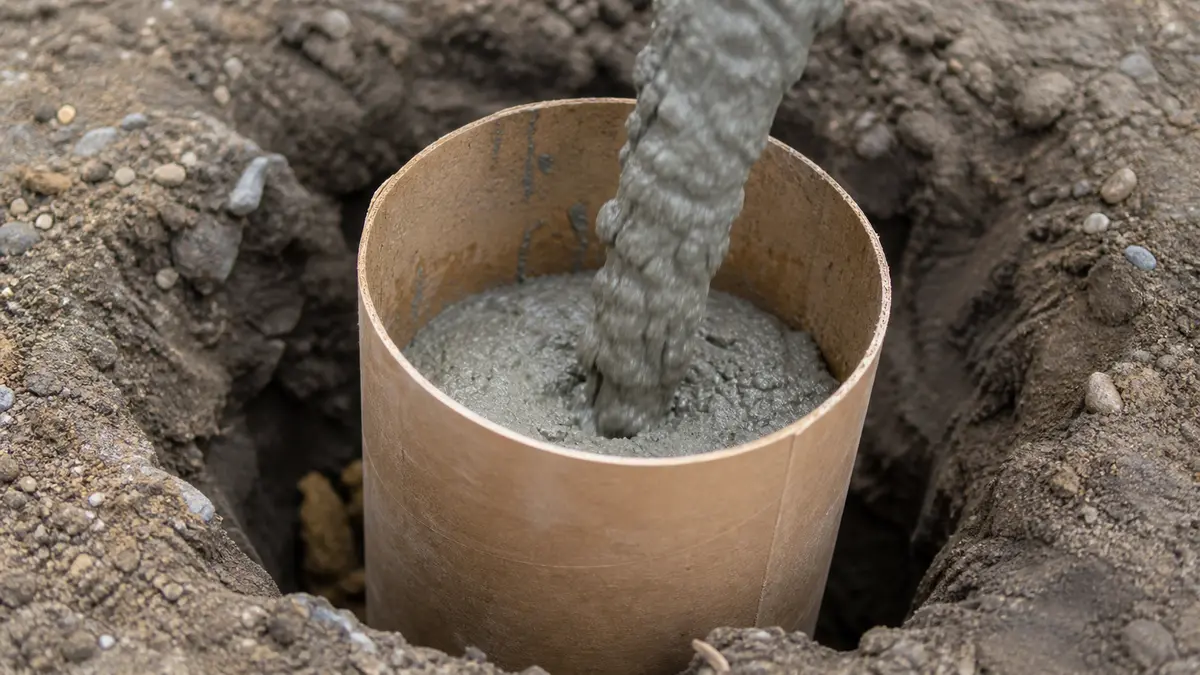 How to Size Deck FootingsDeck footing dimensions depend on the applicable code table or engineered design, including tributary are…Read the guide →
Why builders use these construction calculators
Four reasons these calculators earn a place in your bookmarks.
No black boxes. Each calculator prints the exact formula and a worked example.
You check the math instead of trusting it, which matters when you are ordering a truck of concrete.
Each page displays its formula, assumptions and a list of sources for readers to inspect.
Check that the listed source and product assumptions match the material you plan to use.
Formula and declared-case checks run during the build; sources are listed for readers to review.
Use the shown formula, your project measurements and the listed sources when deciding what to order.
No sign-up, nothing to install. Use any calculator instantly.
Share a link with your numbers, or drop the calculator into your own site for free.
How to estimate concrete and masonry
Two materials, two methods. Knowing which one you are dealing with is half the job.
Length times width times thickness gives cubic feet; divide by 27 for cubic yards.
Check the calculated quantity against the yield printed on the selected product and compare current supplier terms for bags and delivery.
Wall area times the units per square foot gives the count: 1.125 blocks or 6.75 modular bricks per square foot.
Add the courses and the bags of mortar, and the wall is planned. A waste factor covers the cuts at corners and openings.
Concrete and masonry estimating, at a glance
The numbers behind the calculators, the ones worth remembering.
Concrete is sold by the cubic yard. Divide your volume in cubic feet by 27 to get yards.
At a stated yield of about 0.60 ft³ per 80 lb bag, one cubic yard corresponds to roughly 45 bags. Check the selected product label before ordering.
A standard 16 by 8 inch block covers 0.889 ft², so a square foot of wall takes 1.125 blocks.
A nominal modular brick face, including its mortar joint, covers about 21.33 in²: 144 divided by 21.33 gives 6.75 bricks per square foot.
The ground is uneven and you cannot top up a pour, so order 5 to 10% over and round up.
Typical on-center grid for slabs; go tighter for driveways and heavier loads.
Four inches suits patios and walkways; use 5 or 6 inches for driveways and vehicle loads.
An 80 lb bag of pre-mixed mortar lays about 12 blocks at 3/8 inch joints, so 8 to 9 bags per 100, and about 28 per 1000 bricks.
How every Calcnaut calculator works
The same standard runs through all of them.
Enter dimensions the way you measure on site.
No converting to decimals in your head, and lengths accept both feet and inches.
Each result includes a waste allowance you can adjust.
Ready-mix is rounded up to the nearest quarter yard, the way it is ordered, so you do not run short.
Every result has a link that holds your exact numbers.
Plus a clean print or PDF and a copy button, so you can send it straight to a supplier.
Drop any calculator into your own site with a single snippet.
It stays live, and it stays yours to share, at no cost.
Construction calculator FAQ
Quick answers on how accurate the calculators are, measuring in feet or metric, how much waste to add, and ordering the right amount of material.